Create new github repo
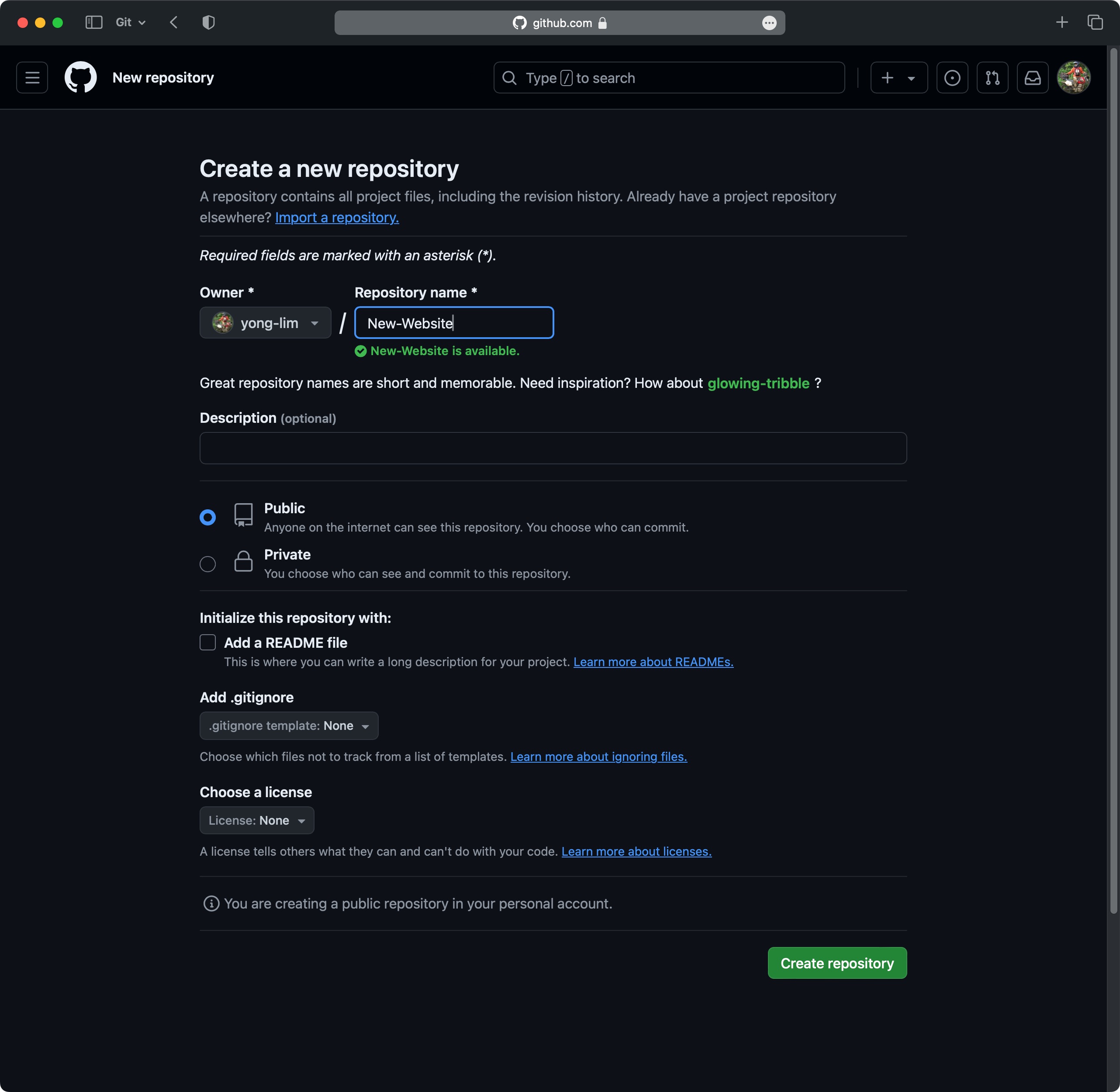
These are the steps to create a new github repository…
Log into your GitHub
Click on the New to creat a new repository. Don’t change any of the default settings.
Run the following commands on your local PC:
echo "# prayer-cicle" >> README.md
git init
git add --all
git commit -m "Initial commit"
git remote add origin git@github.com:yong-lim/prayer-cicle.git
git push -u origin master
That’s all the commands you need. Everything will be uploaded to GitHub for you.
This is the content of .git/config:
[core]
	repositoryformatversion = 0
	filemode = true
	bare = false
	logallrefupdates = true
	ignorecase = true
	precomposeunicode = true
[remote "origin"]


[branch "master"]
	remote = origin
	merge = refs/heads/master
[user]
	name = Young
	email =